
Smart hardware is more than a gimmick
Kitchen upgrades usually mean new countertops or a fresh coat of paint. Smart hardware is different. We're seeing sensors and app controls move into cabinet pulls, connecting the kitchen to the rest of the house's automation.
It’s still an emerging market, and honestly, many homeowners aren’t even aware of these options. The idea of "smart’ anything can feel a bit futuristic, but the reality is becoming increasingly accessible. We"re seeing these features trickle down from high-end renovations into more attainable DIY projects. I believe this is driven by a desire for greater convenience and a growing comfort level with smart home technology.
This guide is designed to be practical. We'll cut through the hype and focus on what smart cabinet hardware can actually do for your kitchen, how to install it, and what to expect from the current market. It's about informed decisions, not chasing a fleeting trend.
Why bother with smart pulls?
Let’s be real: kitchen cabinet hardware is functional. But it doesn’t always feel that way. Smart hardware addresses several common pain points, starting with accessibility. For individuals with limited mobility, touch-to-open or motorized systems can make a huge difference, eliminating the need for a firm grip or awkward reaching.
The real benefit is when your hands are covered in flour or you're carrying a heavy stack of plates. Opening a drawer with a tap of your knee keeps the surfaces cleaner. It feels expensive, but the utility is what matters.
I often think people underestimate how much time they spend opening and closing cabinets throughout the day. Even small improvements to this routine add up. Beyond that, there's the desire for a minimalist aesthetic. Hidden latches and sleek, sensor-activated systems can create a clean, uncluttered look. It’s about making the kitchen more efficient and enjoyable to use.
The different types of tech
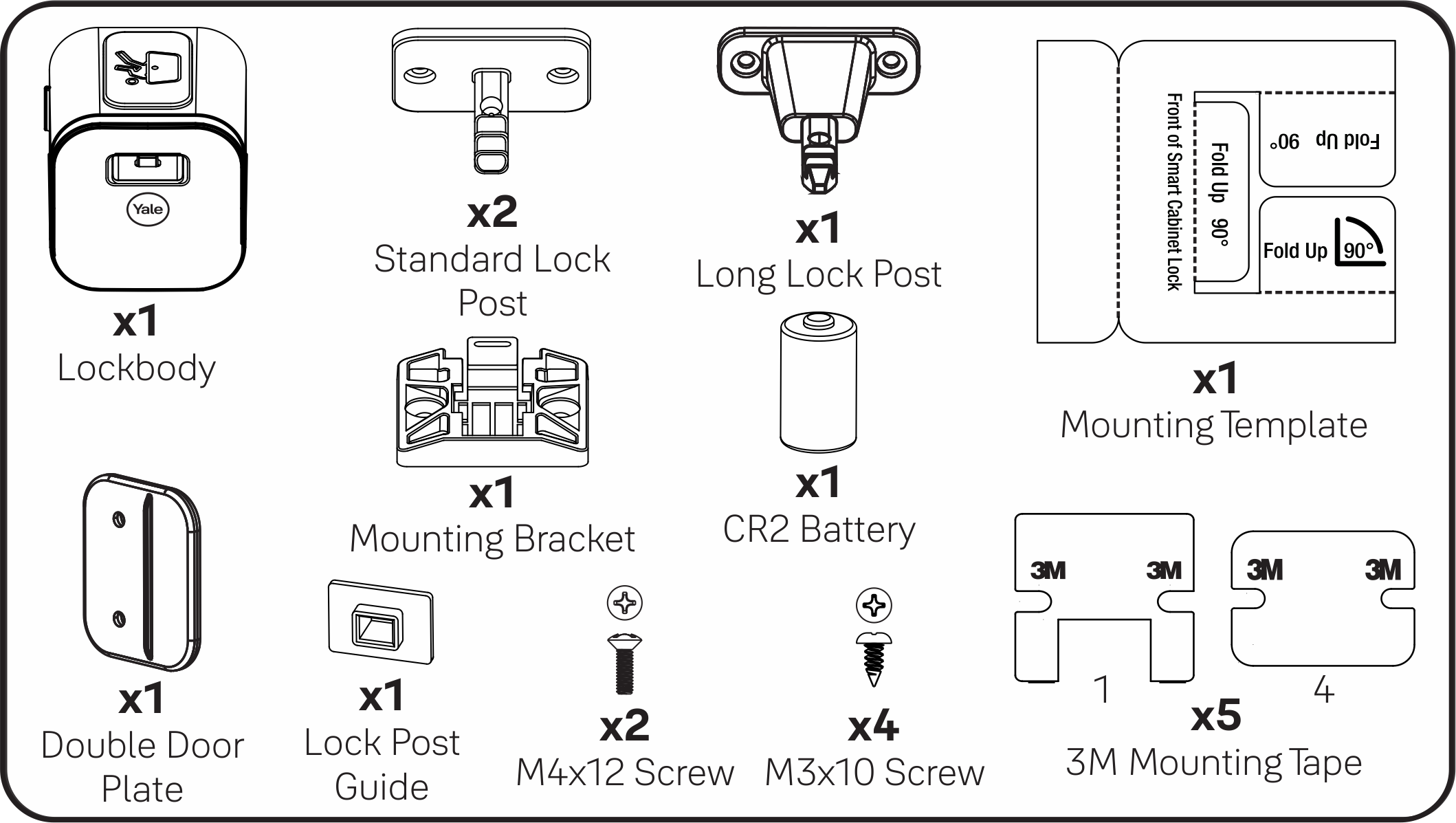
The 'smart' category is broader than you might think. Touch-to-open latches are a popular starting point. These generally fall into two categories: solenoid-based systems, which use an electromagnetic coil to release the latch, and magnetic systems, relying on magnets for a smoother, quieter operation. Both offer a clean look, but solenoids can sometimes be a bit noisier.
Motorized pulls, driven by linear actuators, provide automated opening and closing. These are more complex to install but offer the highest level of convenience. Integrated lighting systems are another option – strips or spotlights built into the cabinet frame, activated by a sensor or switch. They add both functionality and ambiance.
Sensor-activated systems utilize proximity sensors to detect your hand and automatically open the cabinet. These systems require careful placement of the sensor for optimal performance. You can find DIY kits, but professionally installed systems often provide a more seamless integration. I’m seeing a lot of interest in retrofitting existing cabinets, and thankfully, many options are available for that.
- Touch-to-Open Latches: Solenoid or magnetic release.
- Motorized Pulls: Linear actuators for automated operation.
- Integrated Lighting: Sensor or switch-activated lights.
- Sensor-Activated Systems: Proximity sensors for hands-free opening.
Smart Cabinet Hardware Comparison - 2026 Trends
| Type | Cost | Installation Difficulty | Power Source | Best Use Case |
|---|---|---|---|---|
| Touch-to-Open Latches | Medium | Medium | Battery | Accessibility, Minimalist Aesthetics |
| Motorized Drawer Slides | High | Hard | Wired | Accessibility, Convenience (especially for heavier items) |
| Bluetooth-Enabled Pulls (with notification features) | Medium | Easy | Battery | Convenience (finding items), Security (detecting unauthorized access) |
| Smart Locks for Cabinets | High | Medium | Battery | Security (medicine cabinets, pantries) |
| Voice-Activated Cabinet Openers | High | Hard | Wired | Accessibility, Hands-free operation |
| Integrated Lighting Pulls | Medium | Easy | Battery | Aesthetics, Convenience (nighttime use) |
Illustrative comparison based on the article research brief. Verify current pricing, limits, and product details in the official docs before relying on it.
Brands worth looking at
The market is still evolving, but several brands are emerging as leaders. Rev-A-Shelf is known for its innovative cabinet organizers and now offers a range of motorized pull-outs and touch-to-open systems. Their products generally receive positive reviews for reliability and ease of installation, though they can be a bit pricey.
Plank Hardware has a few smart options that don't look like gadgets. They focus more on the design side. If you need more variety in price, The Knob Shop carries both traditional and tech-heavy pulls.
I’ve also been impressed with the offerings from InvisaPull. They specialize in hidden touch-to-open latches, providing a minimalist aesthetic. Users consistently praise their smooth operation and discreet design. What people say matters, and these brands all have strong online communities with ample user feedback. Remember to read reviews and compare features before making a decision.
Powering Your Smart Cabinets
Powering your smart cabinets presents a few options. Battery-powered systems are the easiest to install, but battery life is a concern. Expect to replace batteries every few months, depending on usage. Hardwired systems offer a more reliable power source, but require professional installation to ensure compliance with electrical codes.
Wireless charging is an emerging trend, offering a convenient way to keep battery-powered systems topped up. However, it's still relatively uncommon and can add to the overall cost. The implications of hardwiring are significant; you need to ensure the circuit can handle the added load and that all connections are made safely and correctly.
I’m seeing more products that use USB-C for power, which is a plus. It's a common standard, making it easier to find compatible chargers and cables. Low-voltage systems are also gaining popularity, reducing the risk of electrical shock and simplifying installation.
Troubleshooting Common Issues
Even with careful installation, things can go wrong. Motors failing, sensors malfunctioning, and connectivity issues are all potential problems. If a motor stops working, check the power supply and wiring connections first. For sensor issues, ensure the sensor is clean and properly aligned.
Connectivity problems can often be resolved by resetting the system or checking the Wi-Fi connection. The manufacturer’s instructions are your best resource for troubleshooting specific issues. Most brands offer online support resources, including FAQs and video tutorials.
If the motor is dead or the wiring looks like a bird's nest, call an electrician. Some of these systems are too temperamental to fix with a YouTube video.
No comments yet. Be the first to share your thoughts!